
Product Staging: AI Product Photos on Models & in Scenes
The shoot you never have to book again.
A photo shoot costs €50-150 per finished image and ties up weeks. Product Staging turns one product photo into on-model shots, lifestyle scenes and videos, in minutes, for a few cents an image.
Who it’s for
Who this is built for
Before / after
From the catalogue photo you already have
On the left, the photo as it comes out of the warehouse: laid flat, creased, hard light. On the right the same shirt, same colour, same buttons, same collar, worn, pressed, in a studio. What sits between them is an upload, not a photo shoot.
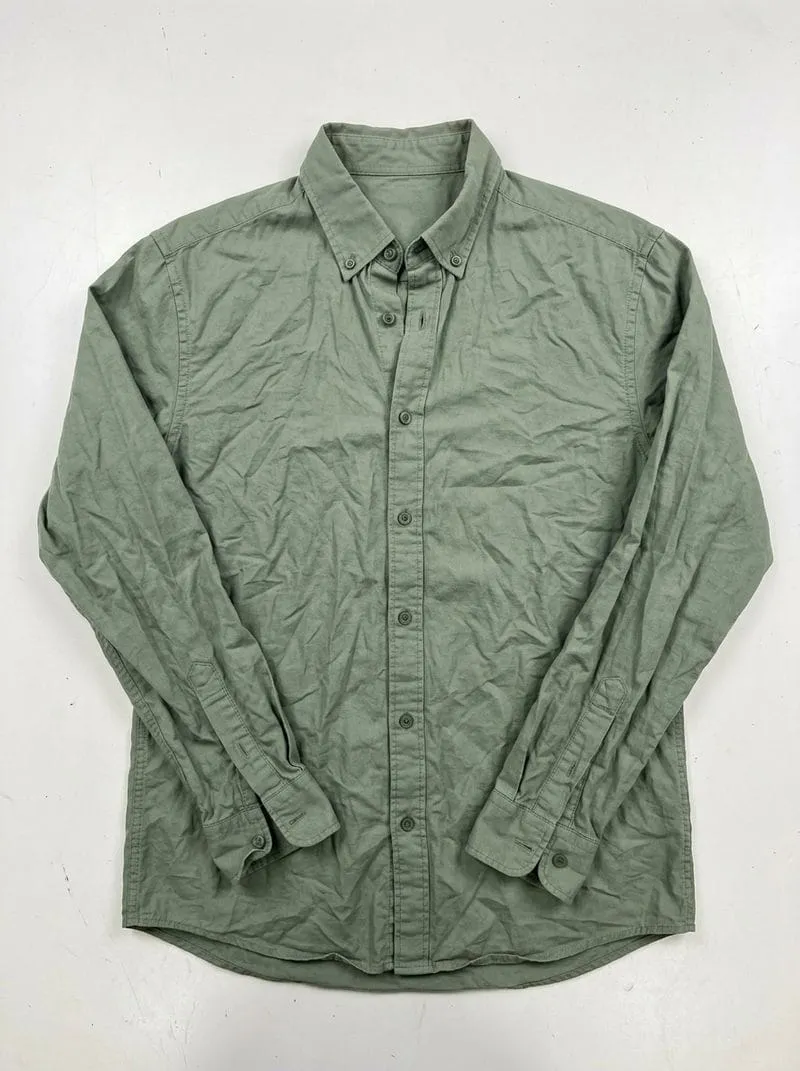
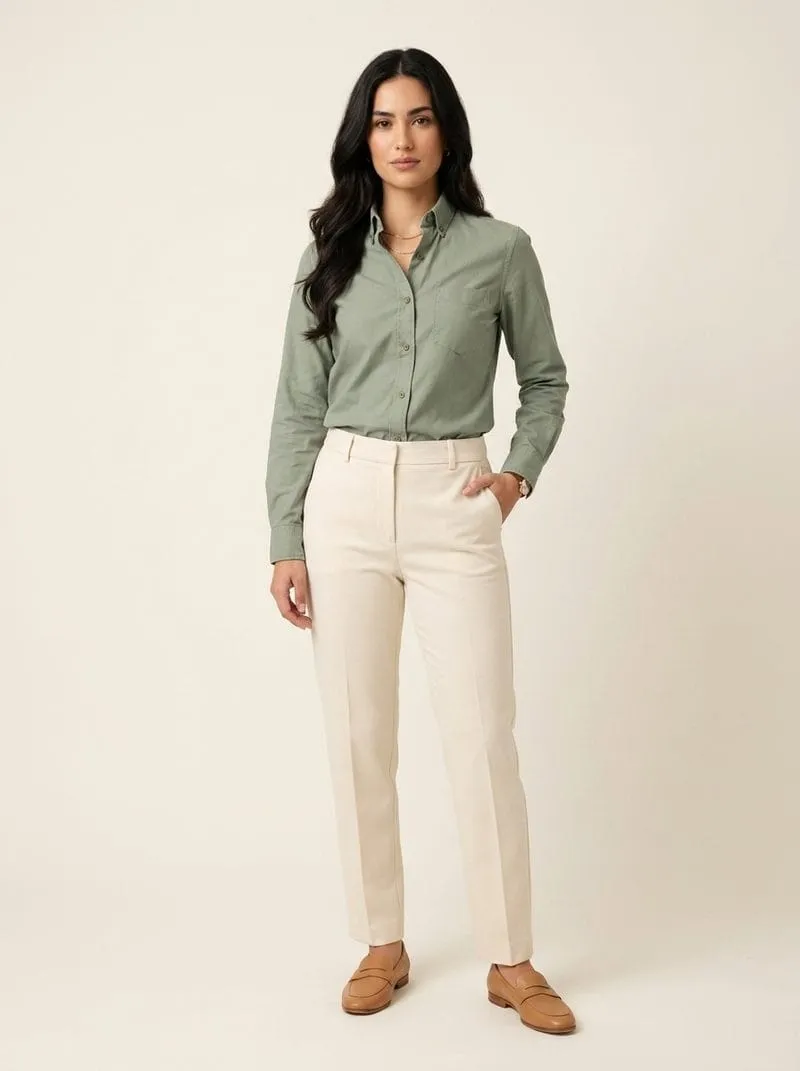
Both images are AI-generated. The right one was generated from the left one rather than separately, which is why it is the same garment.
Product Staging for fashion
One model, any number of outfits
A single reference photo of your fit model is enough. Every further garment is applied to it, same person, any pose you like, same lighting. For a few cents per image instead of a photo shoot.
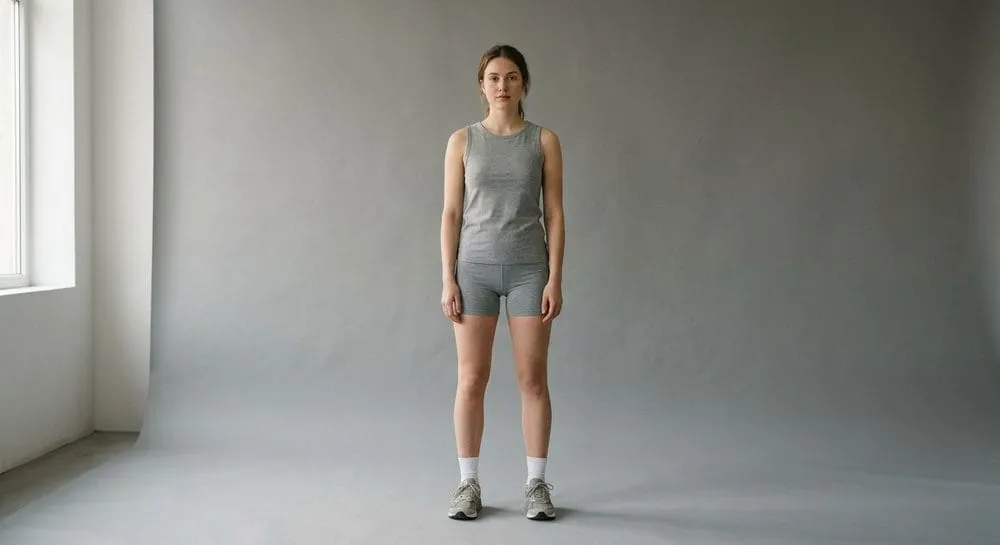
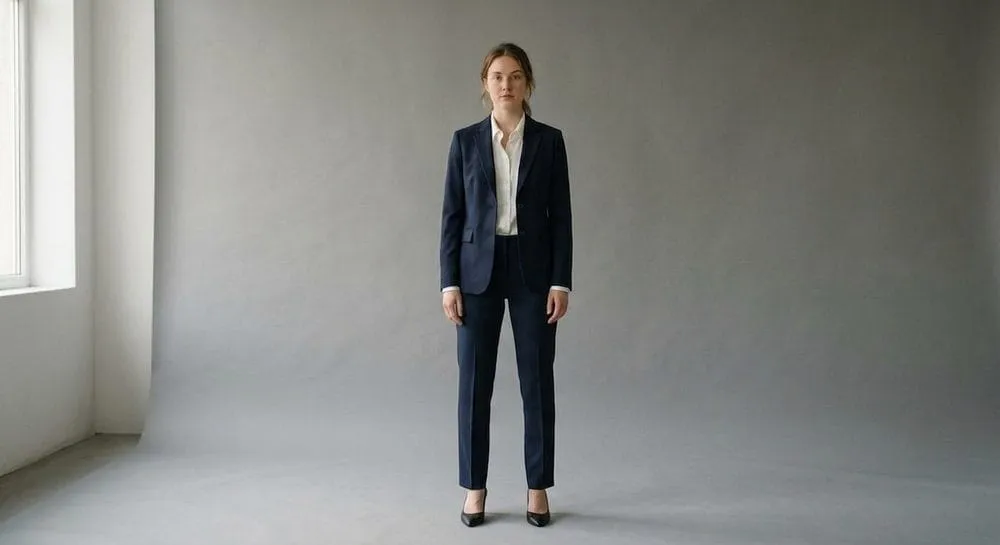
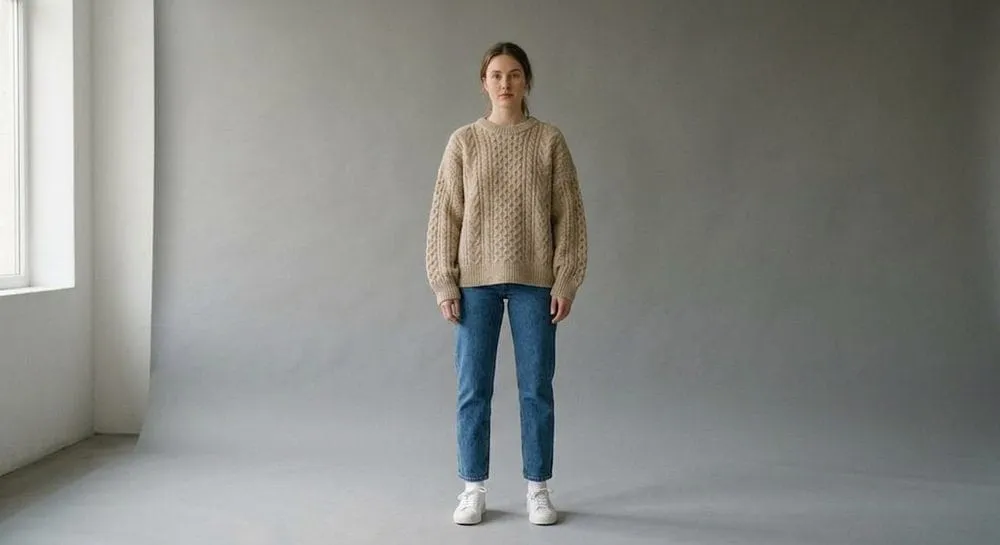
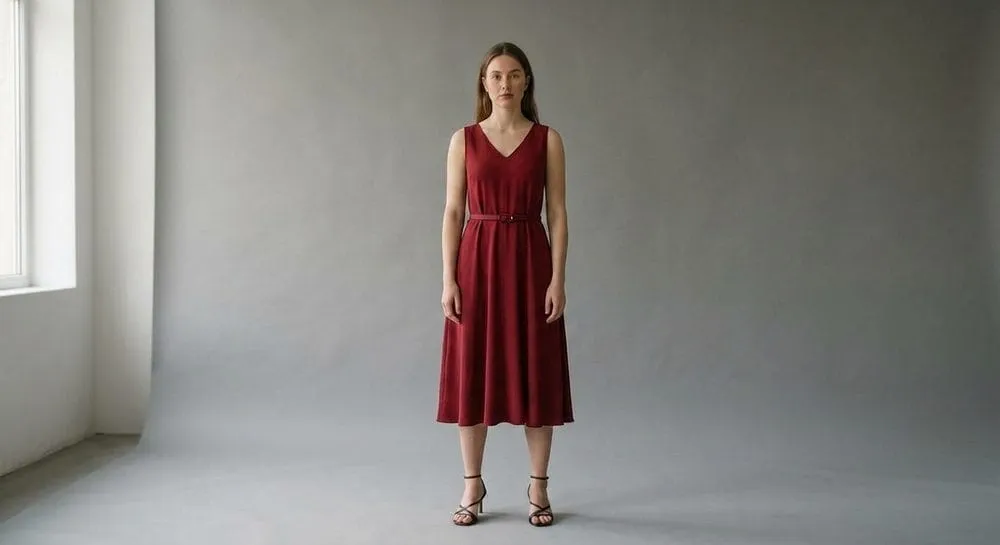
Illustrative example, every shot here is AI-generated.
Models
A ready-made cast, or your own
You do not have to book a model, and you do not have to invent one. Use the ready-made cast from the first minute, or create your own model that stays the same person across your entire catalogue.
Your own models
A custom model is built from attributes, gender, age, body, skin tone, expression, hair, or from a photo of a specific person, such as your own fit model.
- Stored per workspace and used as the reference in every generation
- The same person across the whole catalogue, not a new face on every item
- Fits the cast to your customers, rather than your customers to the cast
10 ready-made models
The fixed cast is available immediately, with no setup and no imagery of your own.
- A range of ages, builds and skin tones, not the same figure ten times
- Combine freely with 12 scenes, four perspectives and five aspect ratios
- Good for testing a range before you create a model of your own
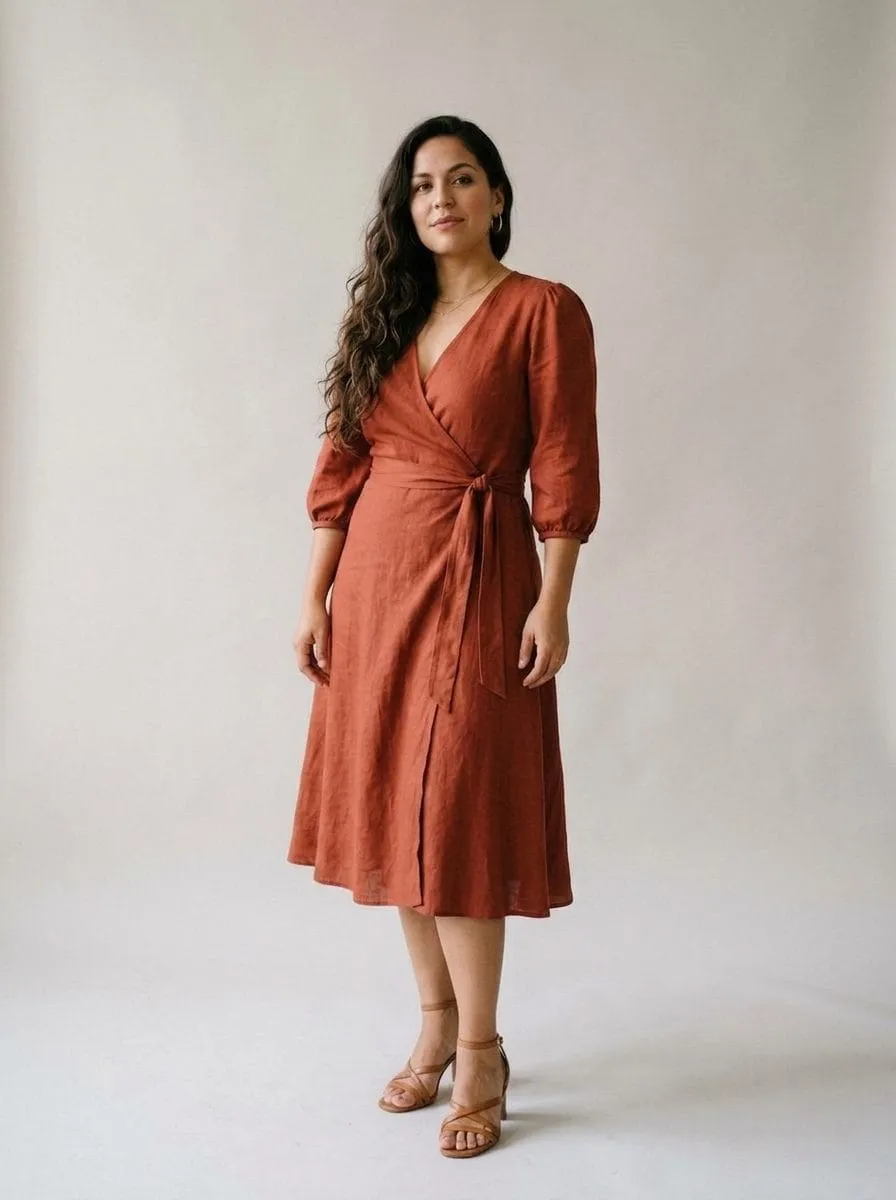
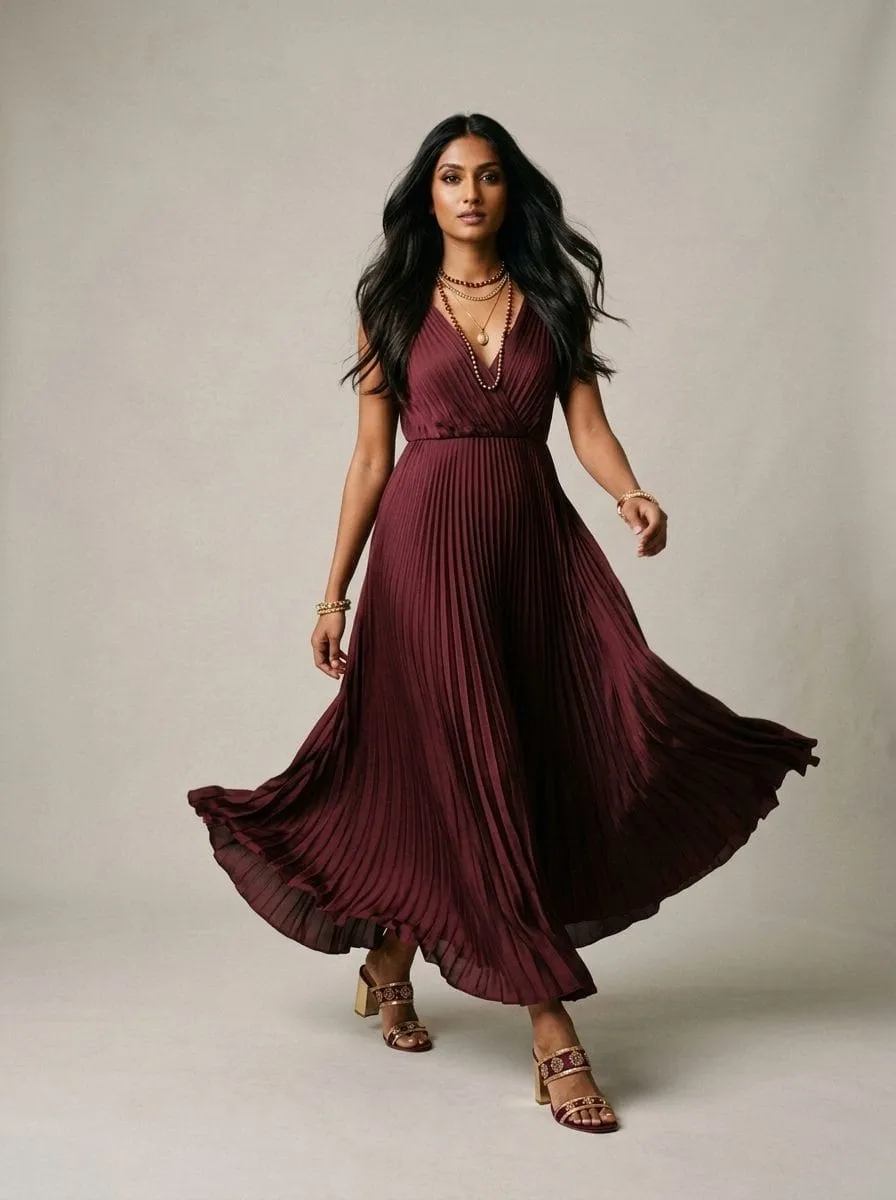
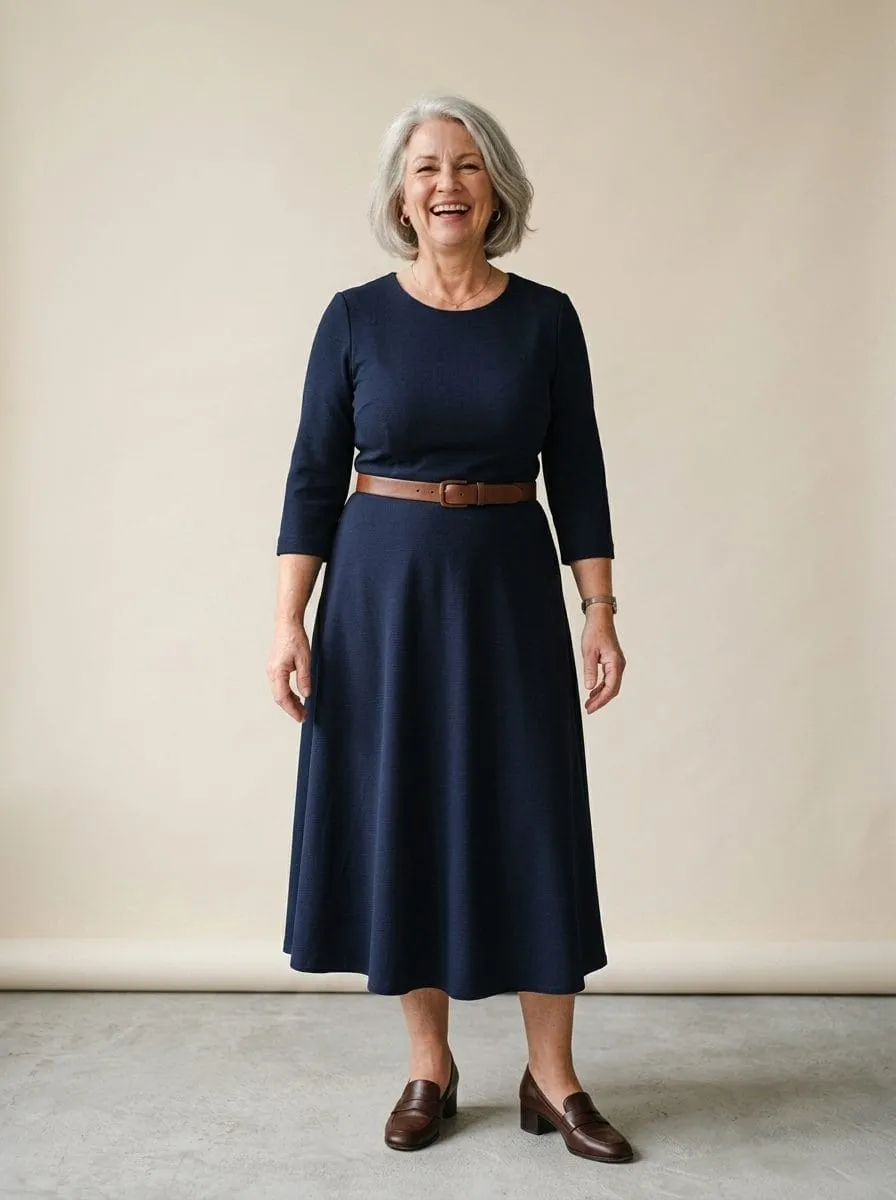
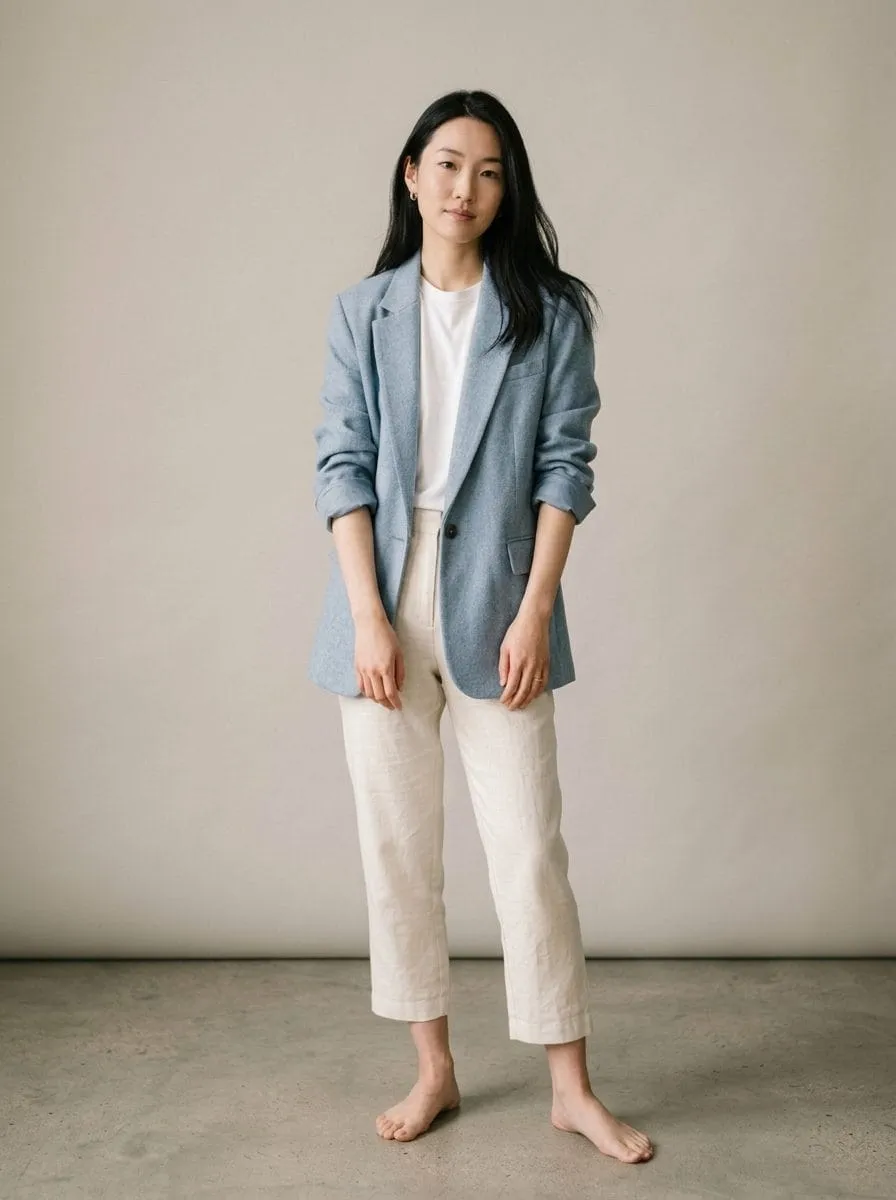
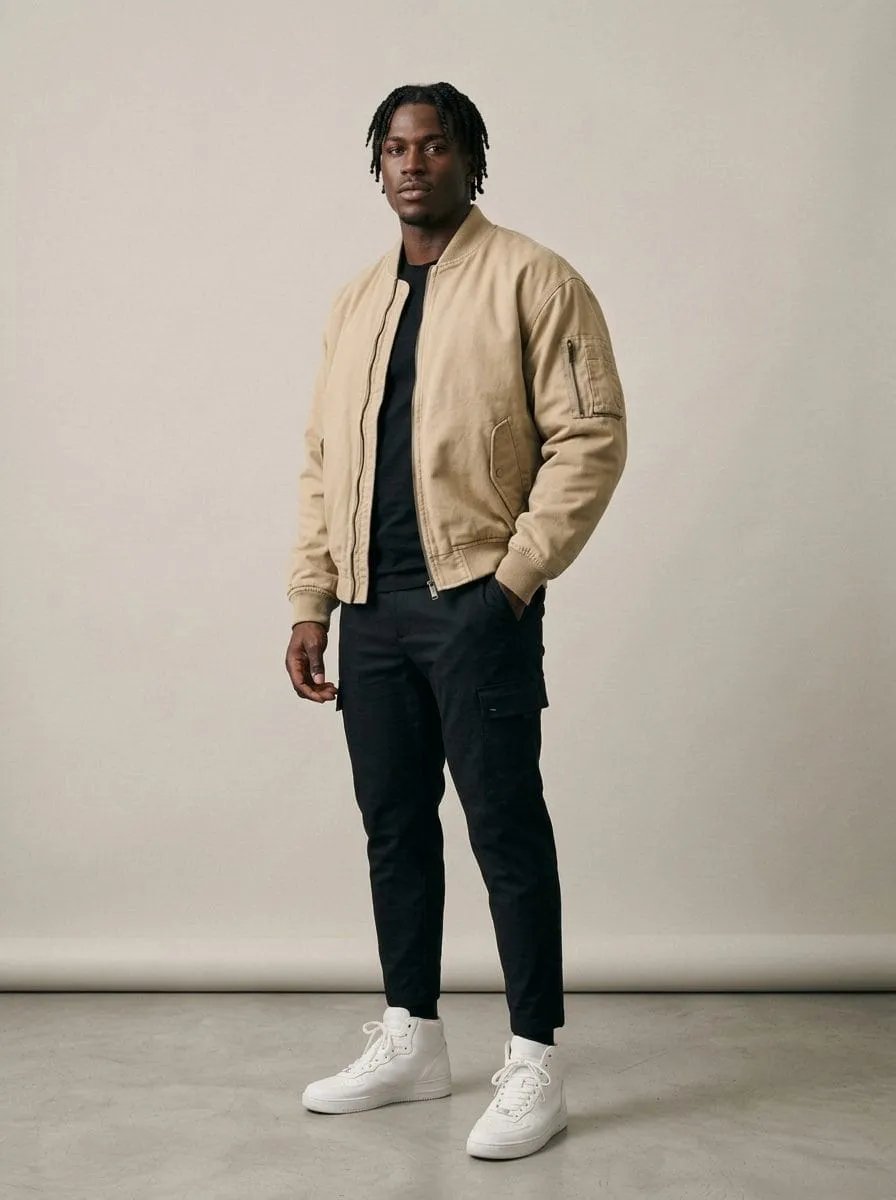
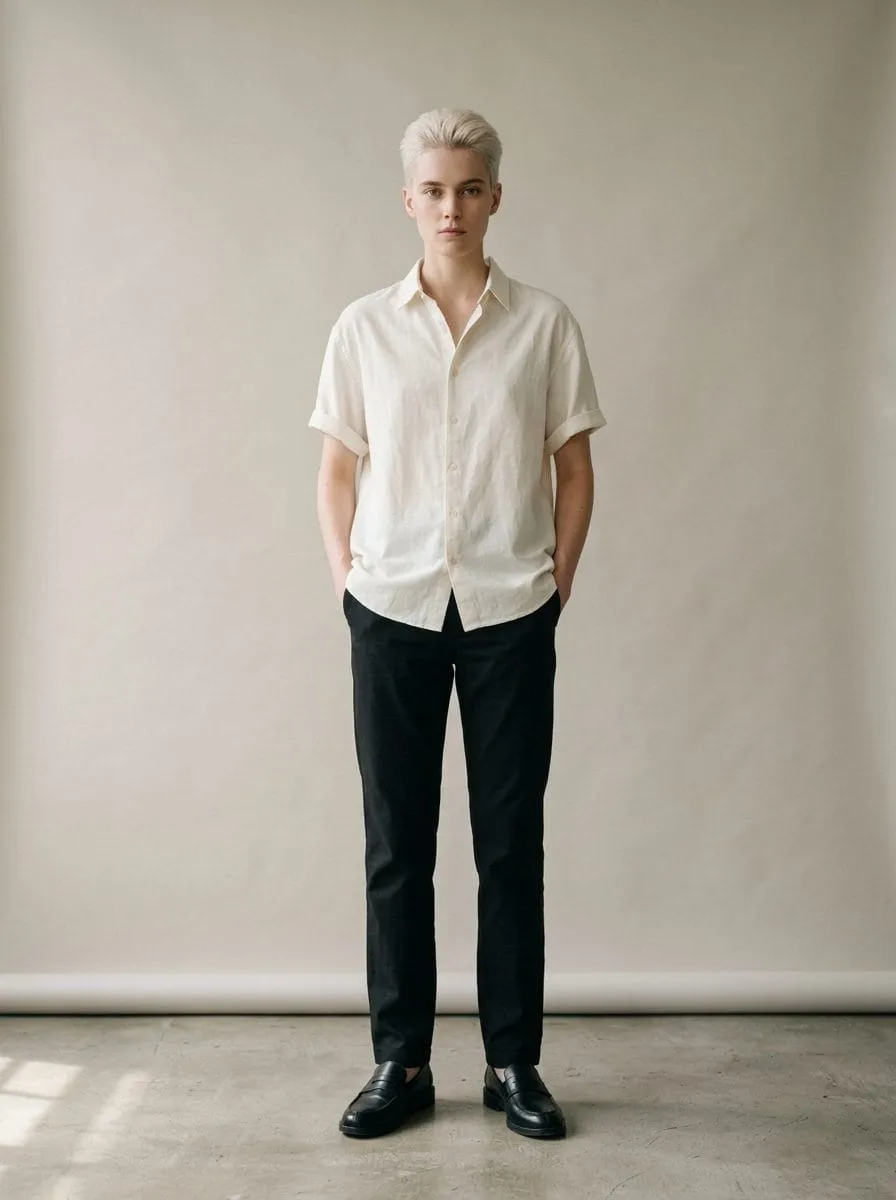
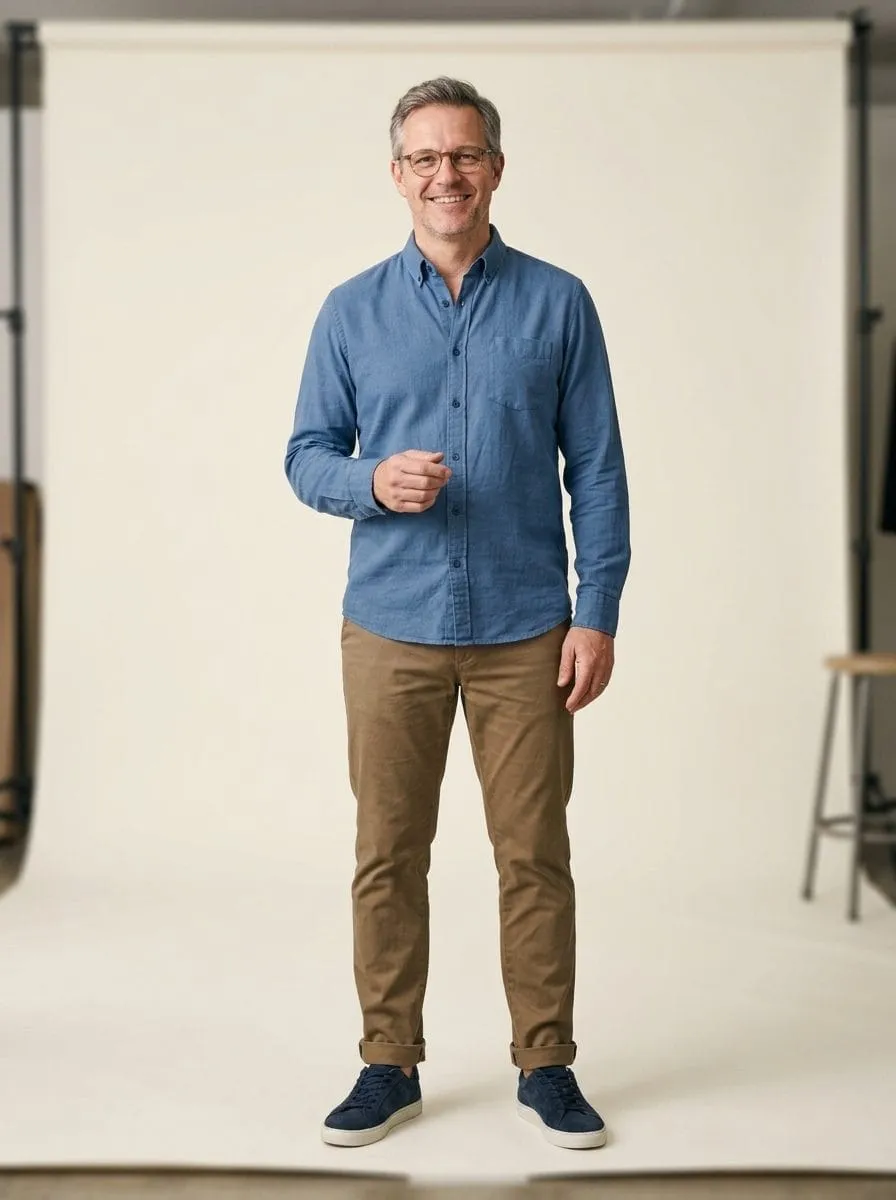
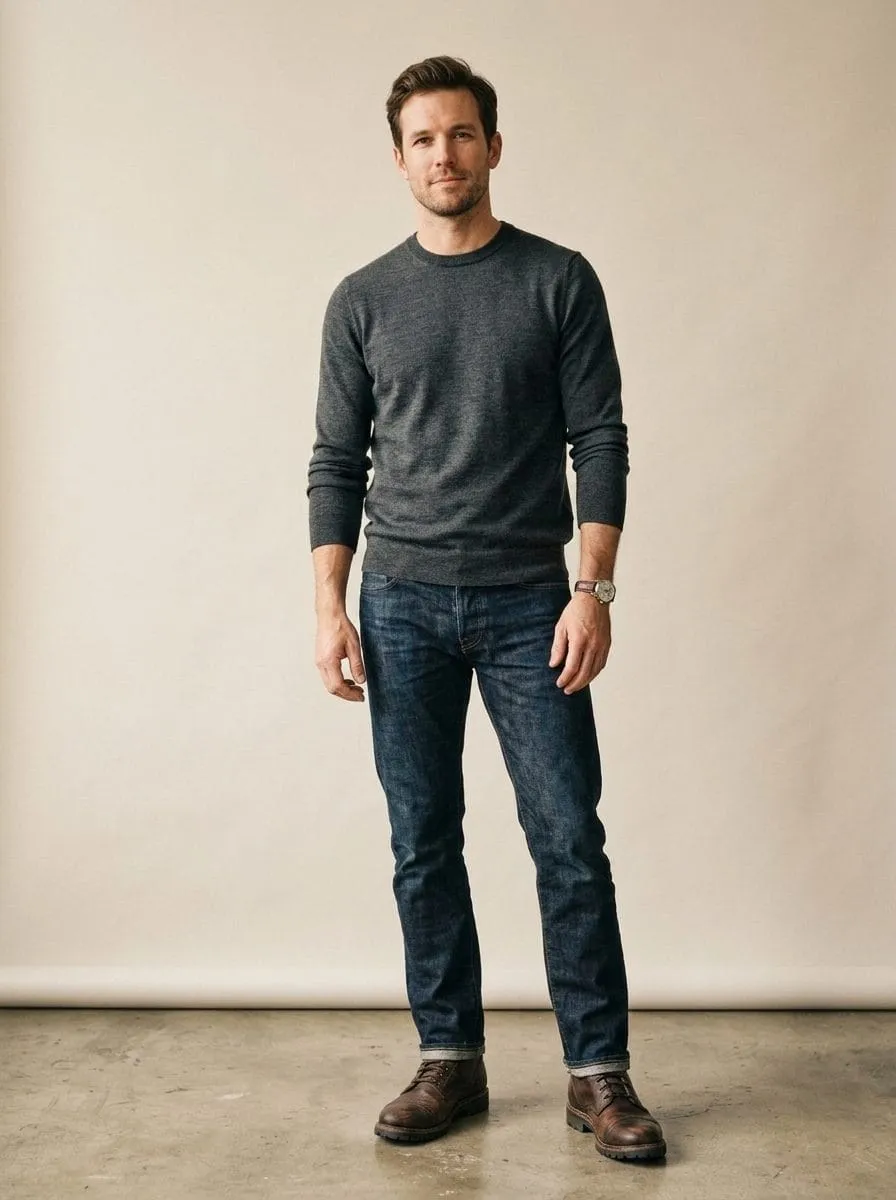
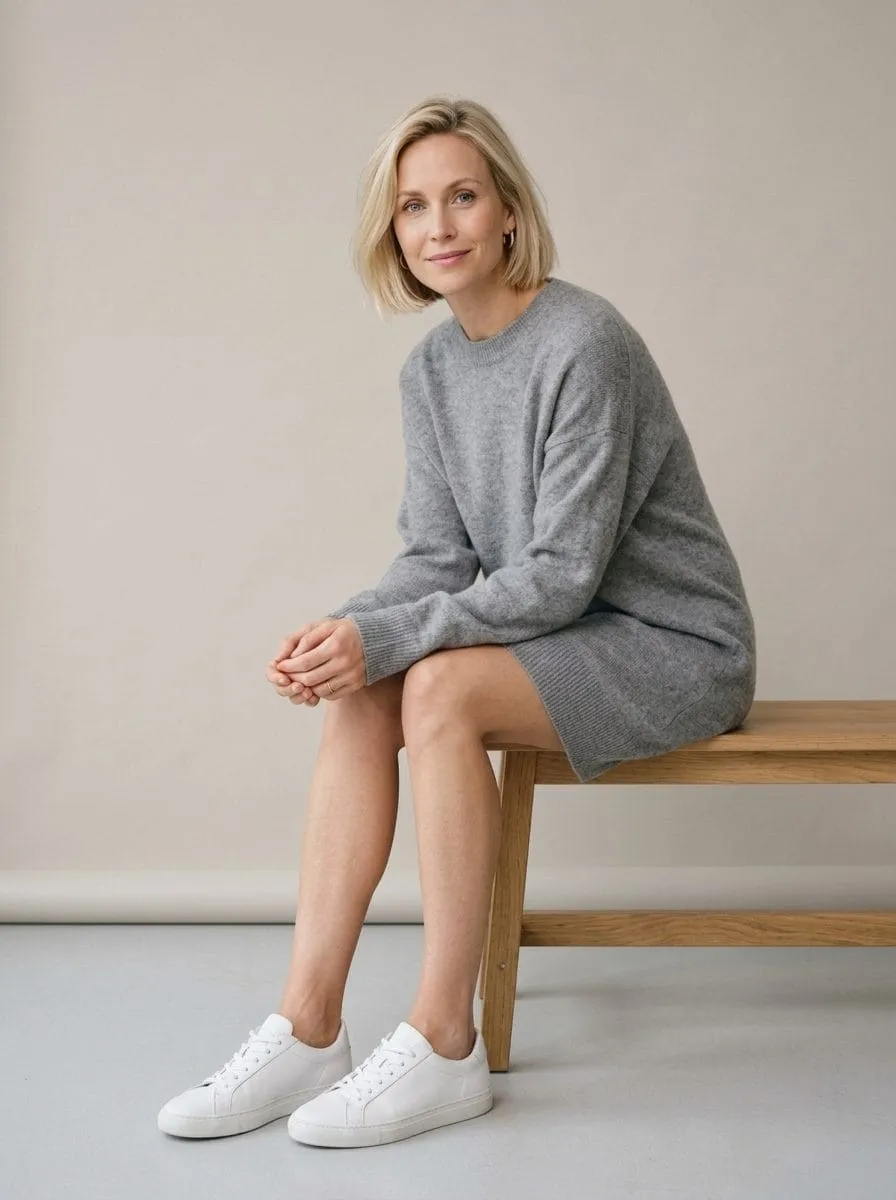
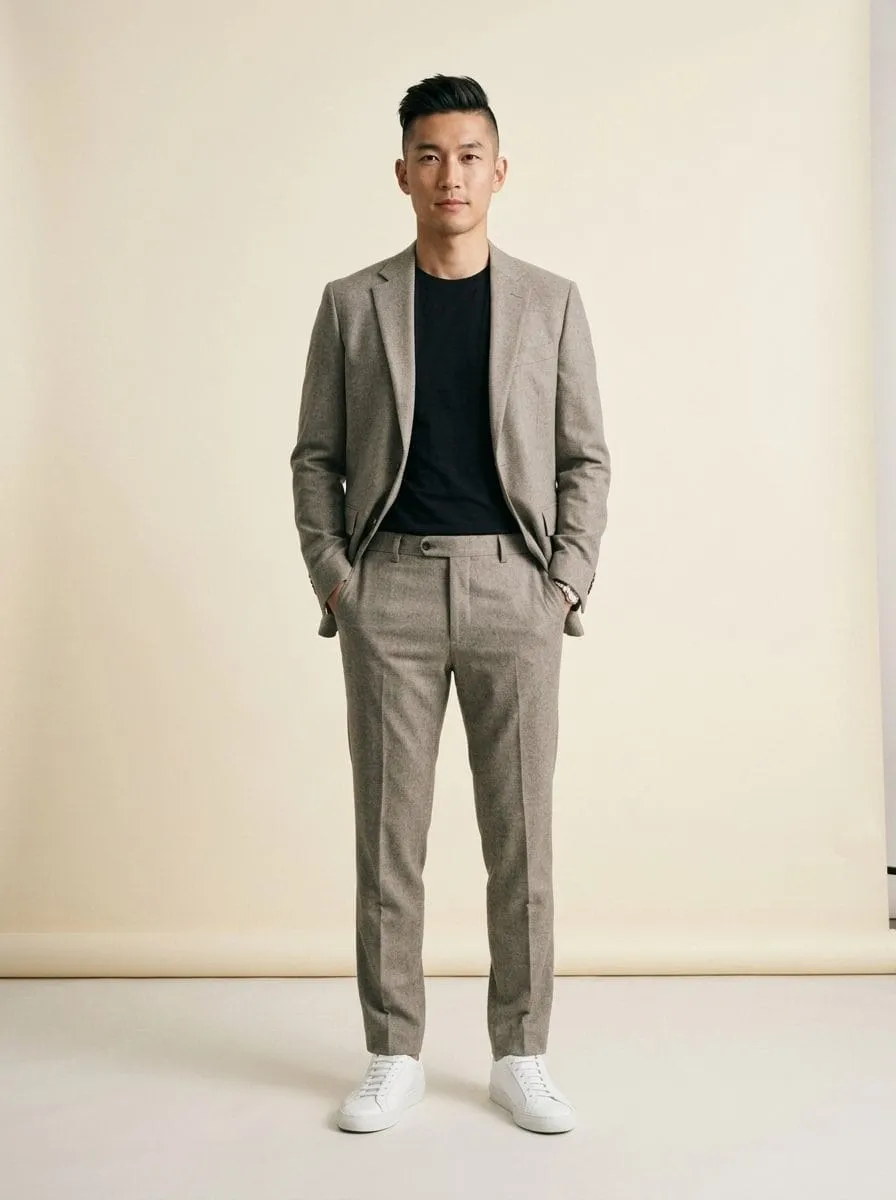
The cast shown here matches the models in the product. Every shot is AI-generated.
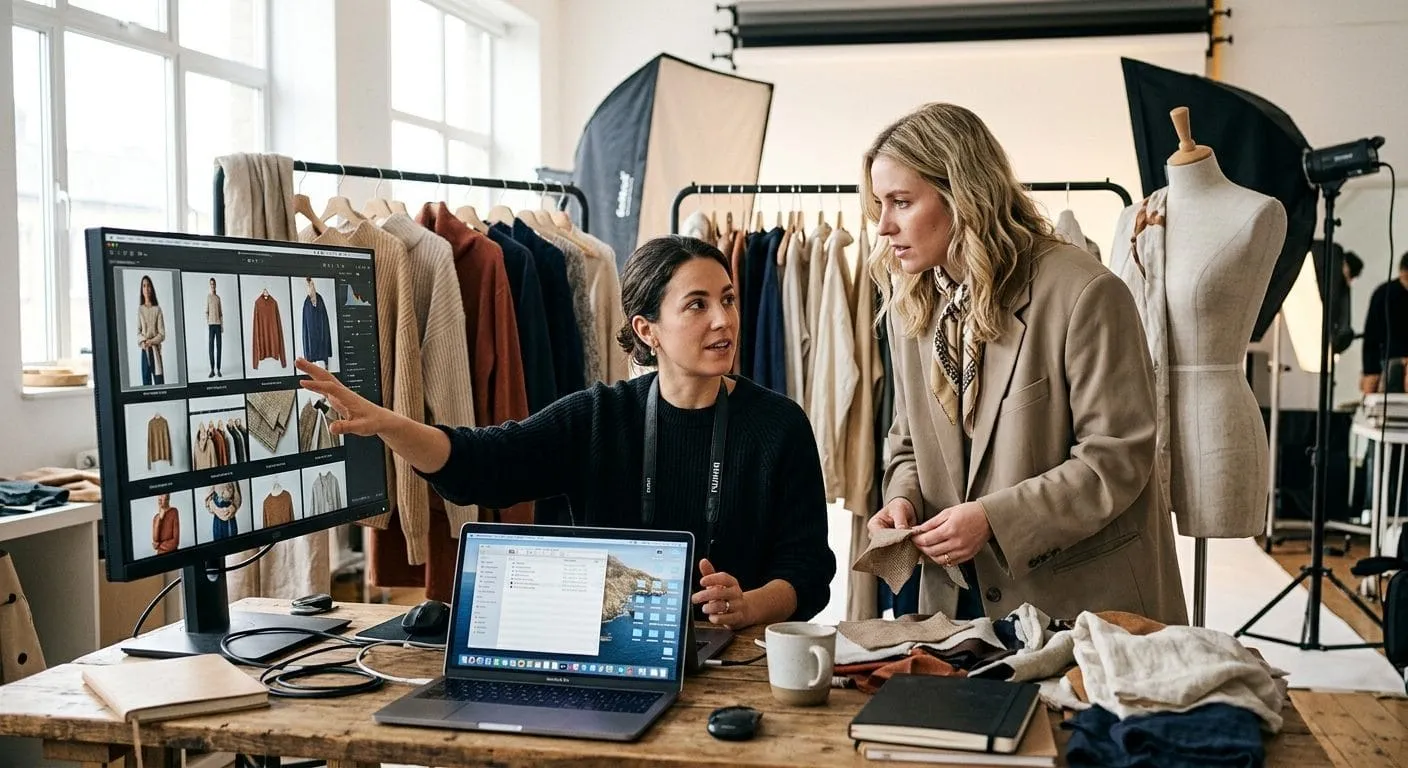
Business impact
What that means for your budget
The shoot cost is an industry comparison; the per-image price is ours. Actual cost depends on scope and image count.
Live demo
How it works, try it yourself
Drop a product photo here, a smartphone shot is enough.
Choose a model from the gallery:
Choose a scene:
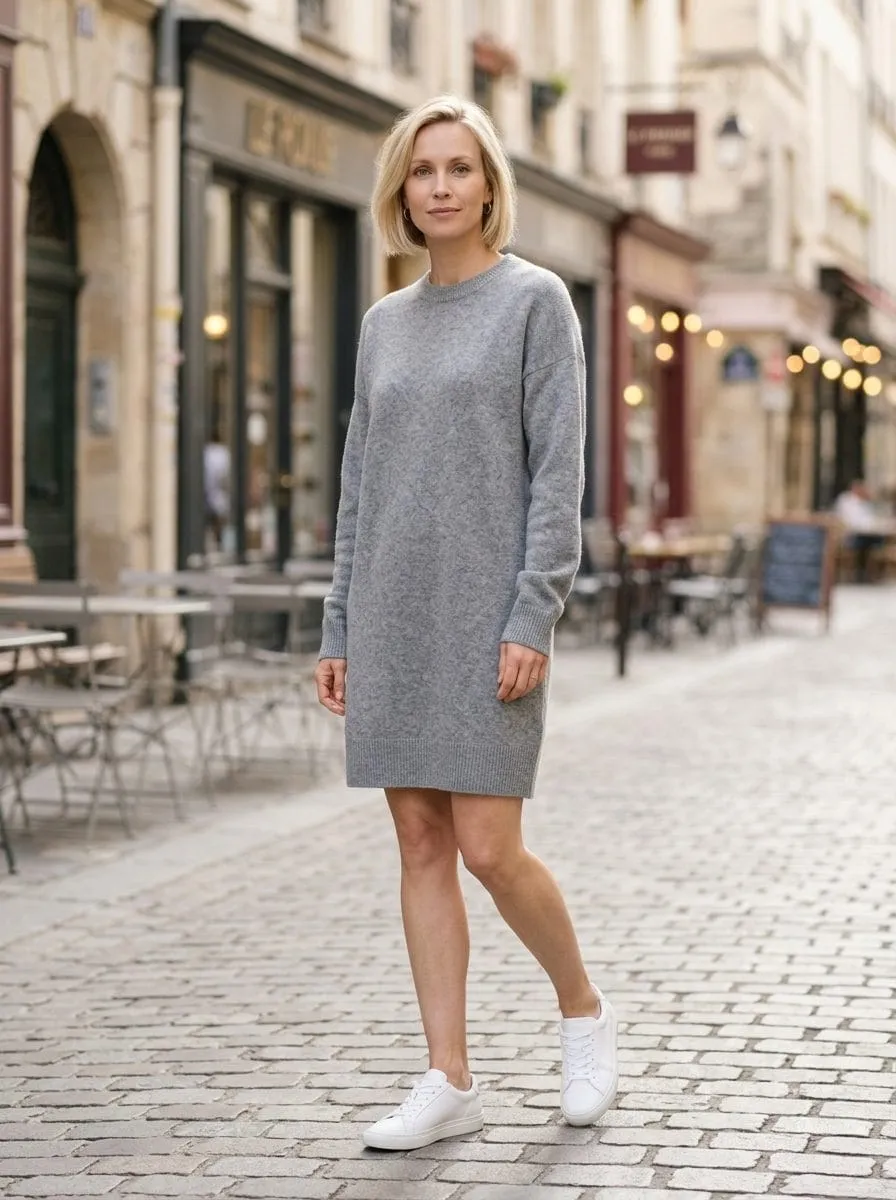
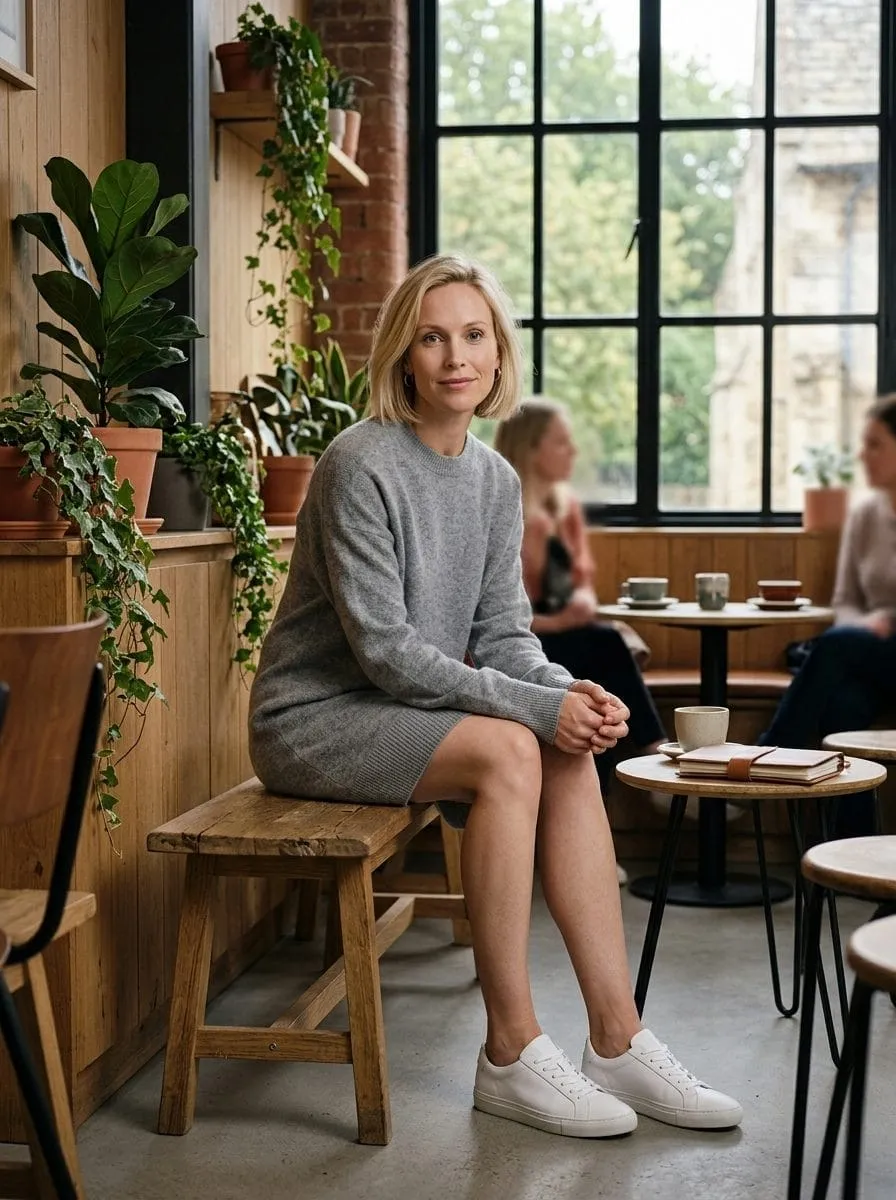
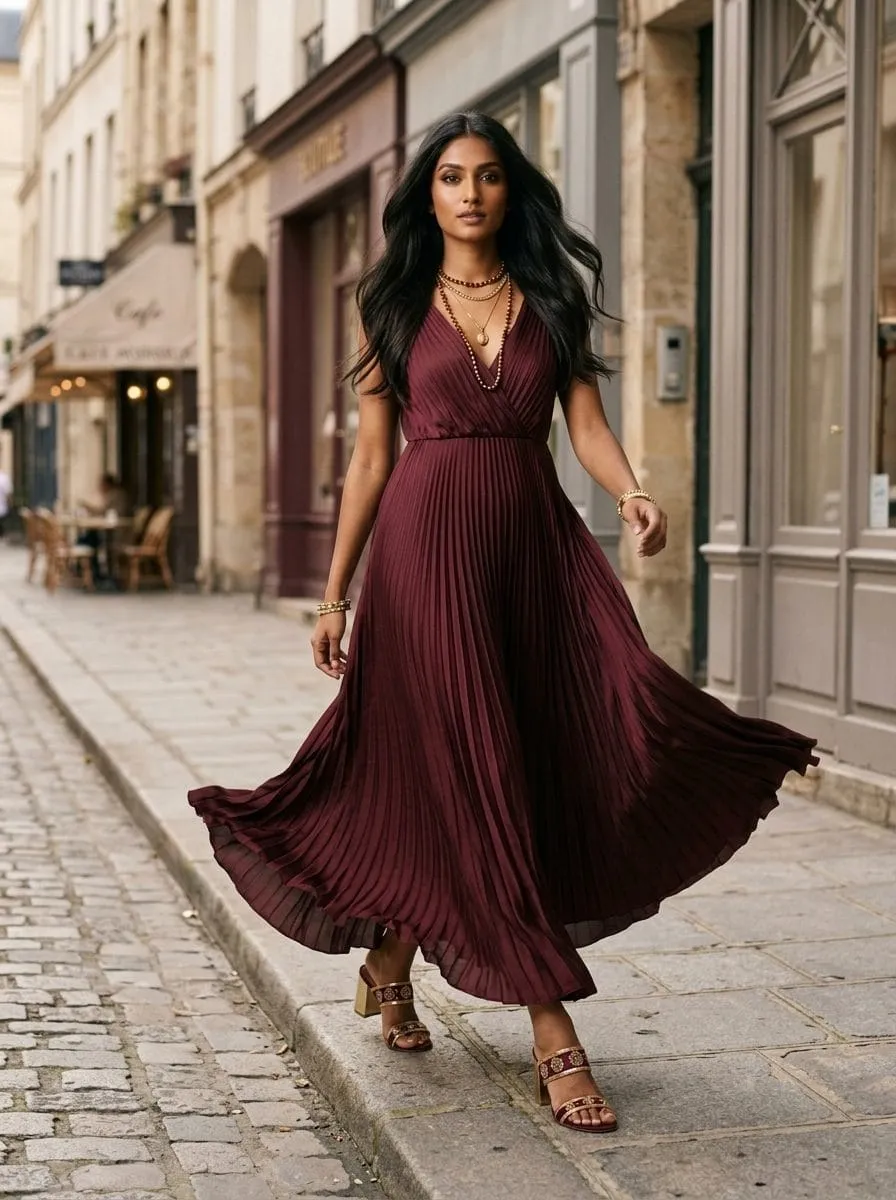
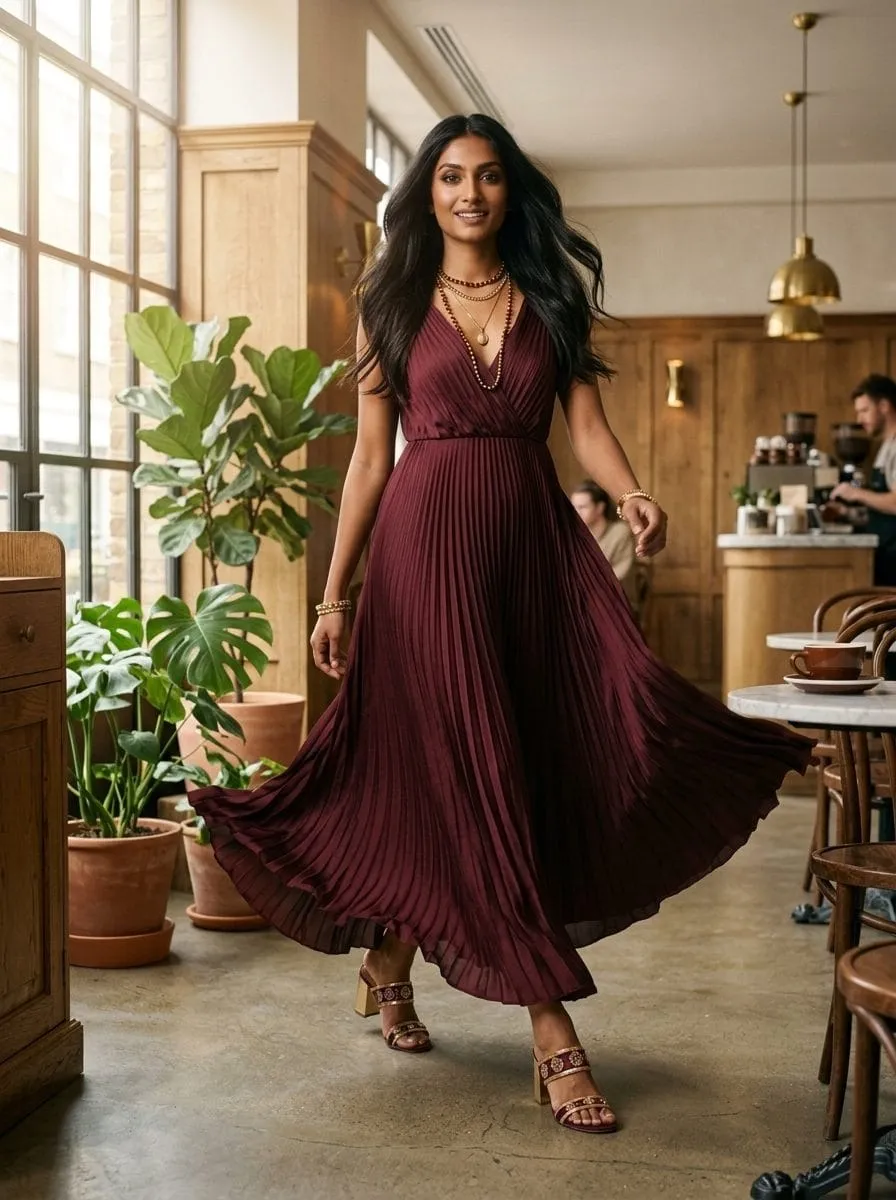
This is what a finished result looks like, generated in minutes instead of weeks.
Product demo
Inside the product
Product photo
Pick an avatar
Result
Simulated preview with example data, no real accounts or server calls.
Business value
What you get
How it works
How it works
- Upload a product photo, a hanger or smartphone shot is enough. VM recognizes name and product type automatically.
- Pick a model from the gallery or build your own with simple choices (age, body, skin tone, expression).
- Choose a scene, studio, street, café and more, or describe your own.
- Select formats and perspectives, then generate. Refine, favorite and download your shots.
- Press “Animate” on any image to create a product video (walk, turn, detail pan and more).
FAQ
Frequently asked questions
What photos do I need?
One clear photo of the product is enough. A second back-view photo improves back perspectives.
Will my product look exactly right?
The engine is instructed to preserve colors, materials, logos and proportions faithfully. Always review before publishing, regeneration is one click.
How is usage billed?
Images count 1,000 words each (higher resolutions more), videos 1,000 words per second, the same word budget as all other VM tools.
Who is this worth it for?
Anyone who regularly needs new product imagery, from fashion shops with frequent collection changes to agencies running several catalogs at once.