
Coding API & MCP Server: Virtual Marketer Senior & Junior for Your IDE
Your model, in the editor you already use.
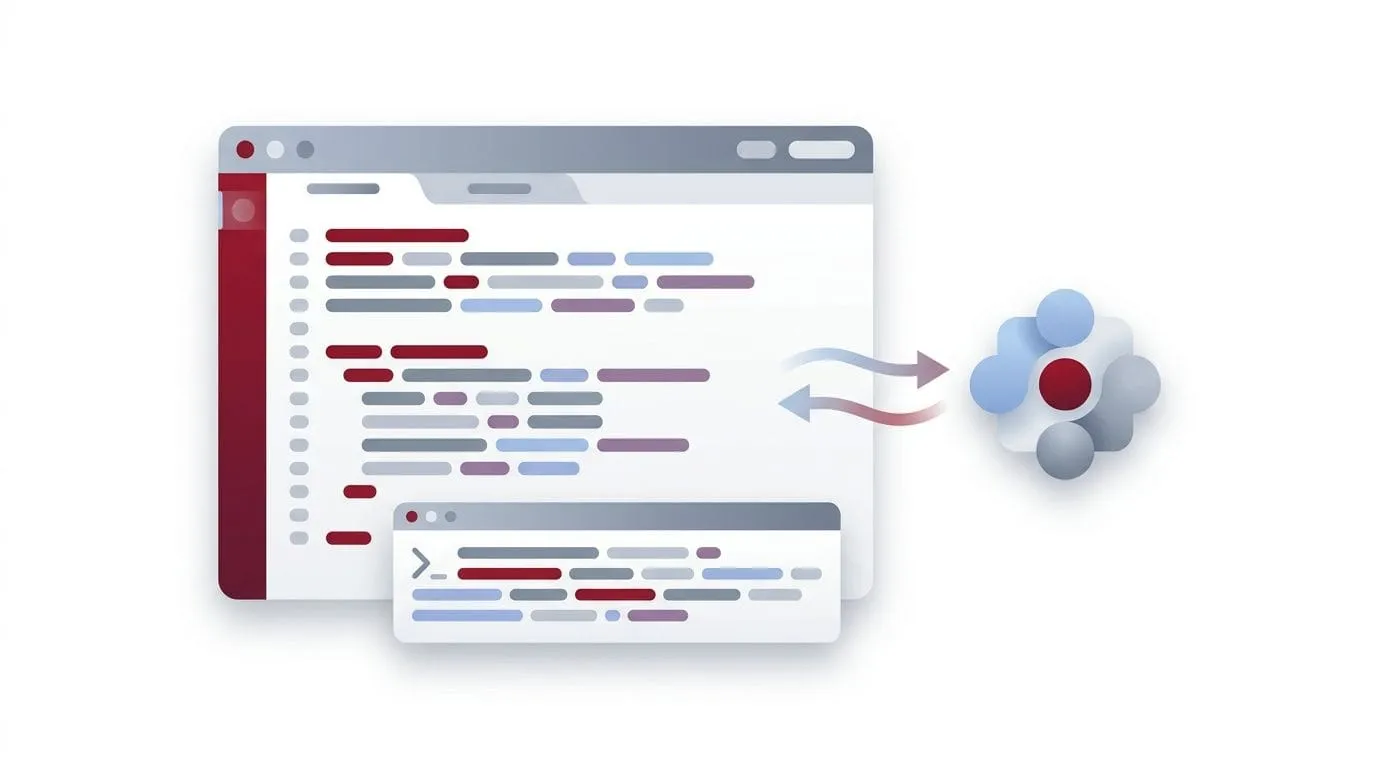
No new interface, no second subscription. One OpenAI-compatible endpoint puts Virtual Marketer Senior and Junior inside any coding tool that accepts a custom provider, with streaming, full function calling, and the same balance as everything else.
Who it’s for
Who this is built for

Business impact
What this saves versus separate IDE subscriptions
Industry comparison against common coding assistants, not a Virtual Marketer-specific promise.
Live demo
How it works, try it yourself
api_key = "vmk_…"
Pick a model:
> “Here is the corrected function …”
Product demo
Inside the product
Simulated preview with example data, no real accounts or server calls.
Business value
What you get
How it works
How it works
- Open the Coding API page and copy your base URL and API key.
- In your tool, choose the ‘OpenAI-compatible’ provider and paste the base URL and key.
- Set the model to virtual-marketer-senior or virtual-marketer-junior.
- Start coding, or hit ‘Try it live’ on the page to send a first request in one click.
FAQ
Frequently asked questions
Which tools does it work with?
Anything that lets you set a custom OpenAI base URL and key, popular IDE assistants and agents, aider, the official OpenAI SDKs, curl, and your own scripts.
What are Senior and Junior?
Senior is the top-tier reasoning model for architecture, tricky bugs and large refactors; Junior is a faster, cost-efficient tier for quick edits and high-volume calls.
Does it support streaming and tools?
Yes. Set stream: true for token streaming, and pass the standard tools / tool_choice fields for function calling, exactly like the OpenAI API.
How is it billed?
Usage counts against your Virtual Marketer word balance, the same as every other product.